Your favourite sites, as real apps.
Shelf Shelf puts the websites you use every day on a home screen of their own — with folders, a dock and search. Add to-dos in plain words and get reminded on time. Free, private and on every device.
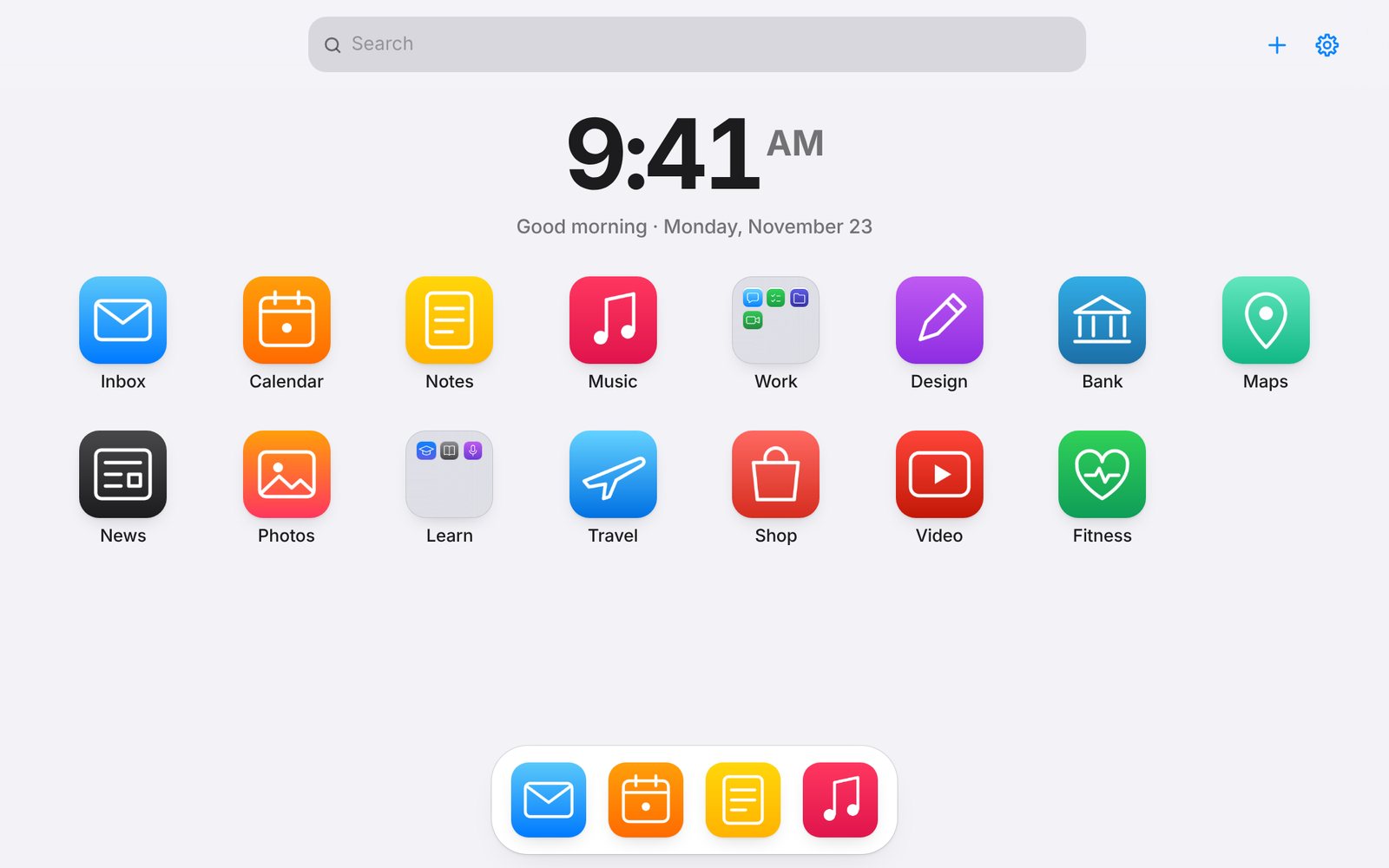
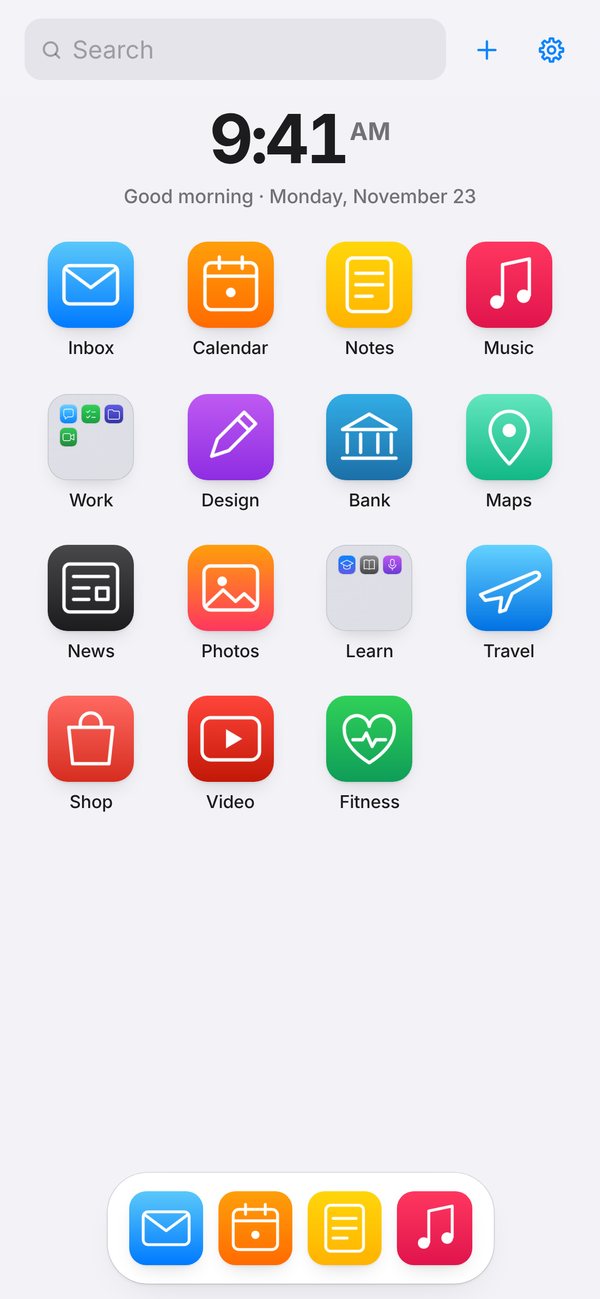
Shelf Shelf in 30 seconds.
Stop hunting through tabs
and bookmarks.
Your mail, calendar, bank and tools — one tap away, arranged the way you think. Like your phone’s home screen, for the web.
Sites become apps
Paste a link — the name and logo fill in by themselves.
Folders and a dock
Drop one app on another to make a folder. Keep favourites in the dock.
To-dos with reminders
Type “Call Sam 5pm” — Shelf Shelf sets the reminder for you.
Private by design
No account, no tracking, no ads. Everything stays on your device.
Find anything fast
Start typing to open an app — or search the web from the same box.
Looks your way
Light, dark, Liquid Glass, seven themes, wallpapers or your own photo.
Never lose a thing
Ten automatic versions, plus a backup file that moves between devices.
Every device
A browser extension, desktop and Android apps, and the web.
Everything you open daily, in one place.
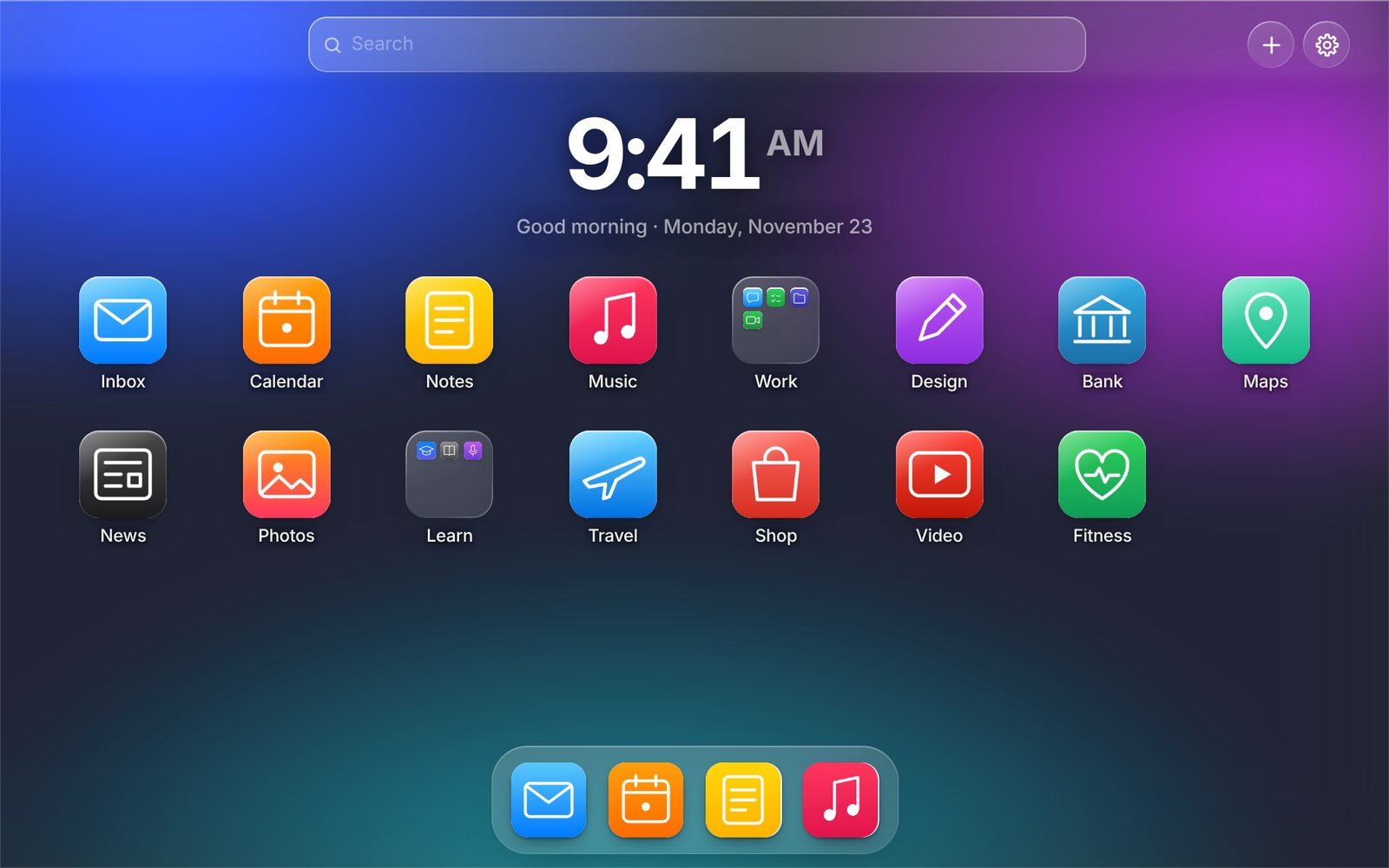
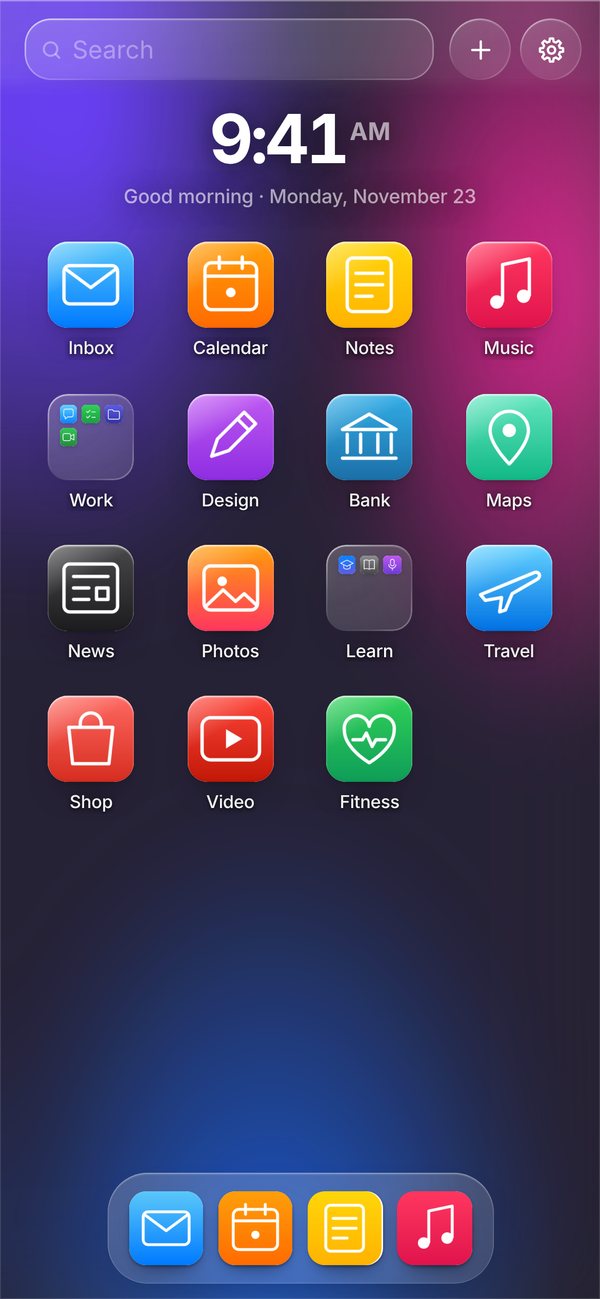
A calm home screen with a big clock, your apps and a dock — the first thing you see in a new tab, on your desktop or on your phone.
- Icons or a tidy list, vertical or horizontal
- Sort by hand, by name or by how often you use them
- Add the page you’re on from the right-click menu
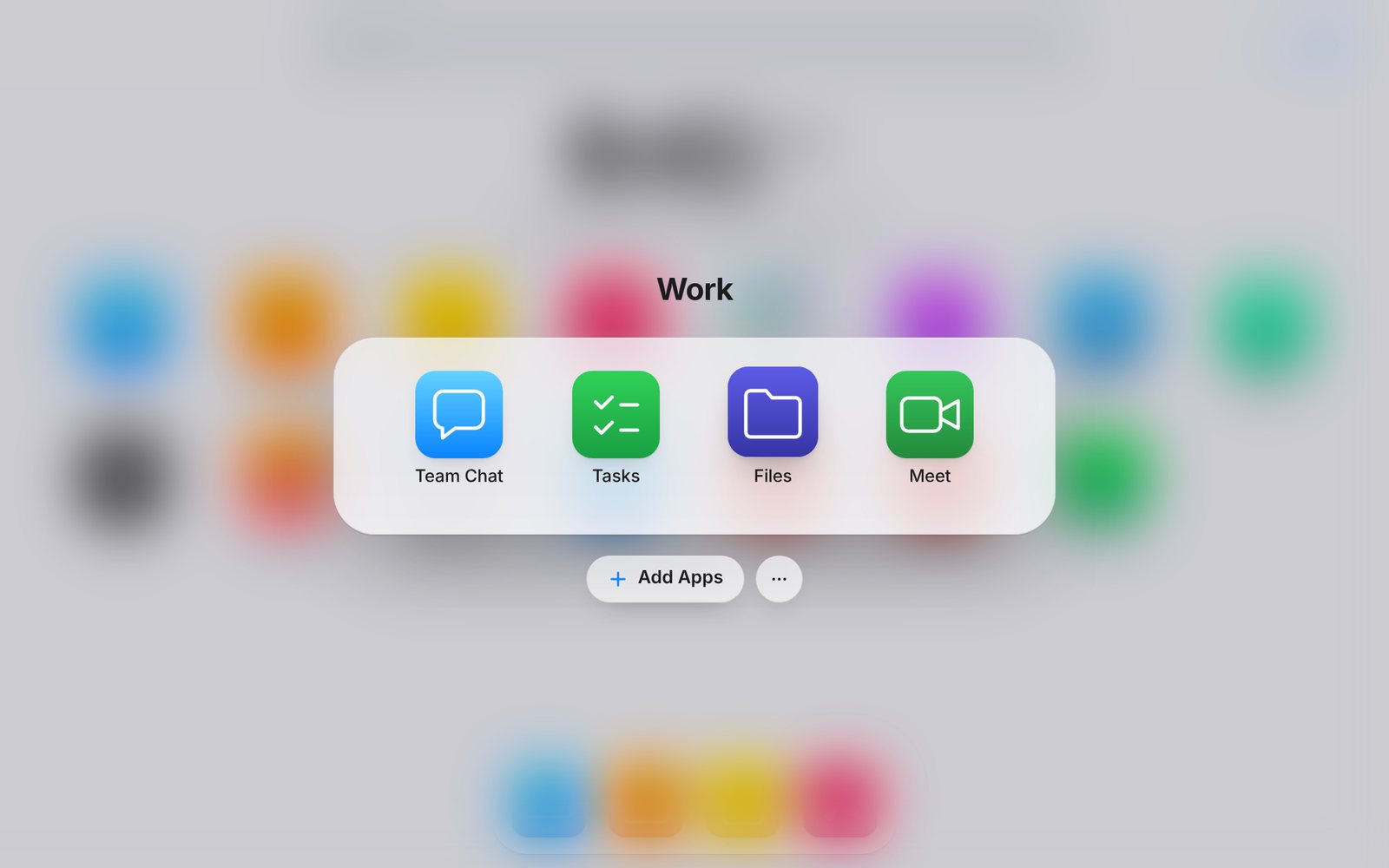
Group it like your phone.
Drop one app on another to make a folder — Work, Bills, Study, anything. Auto-Organize can sort a long shelf into folders for you.
- Open a whole folder of sites in one tap
- Save all open tabs as a folder (extension)
- Import your bookmarks in seconds
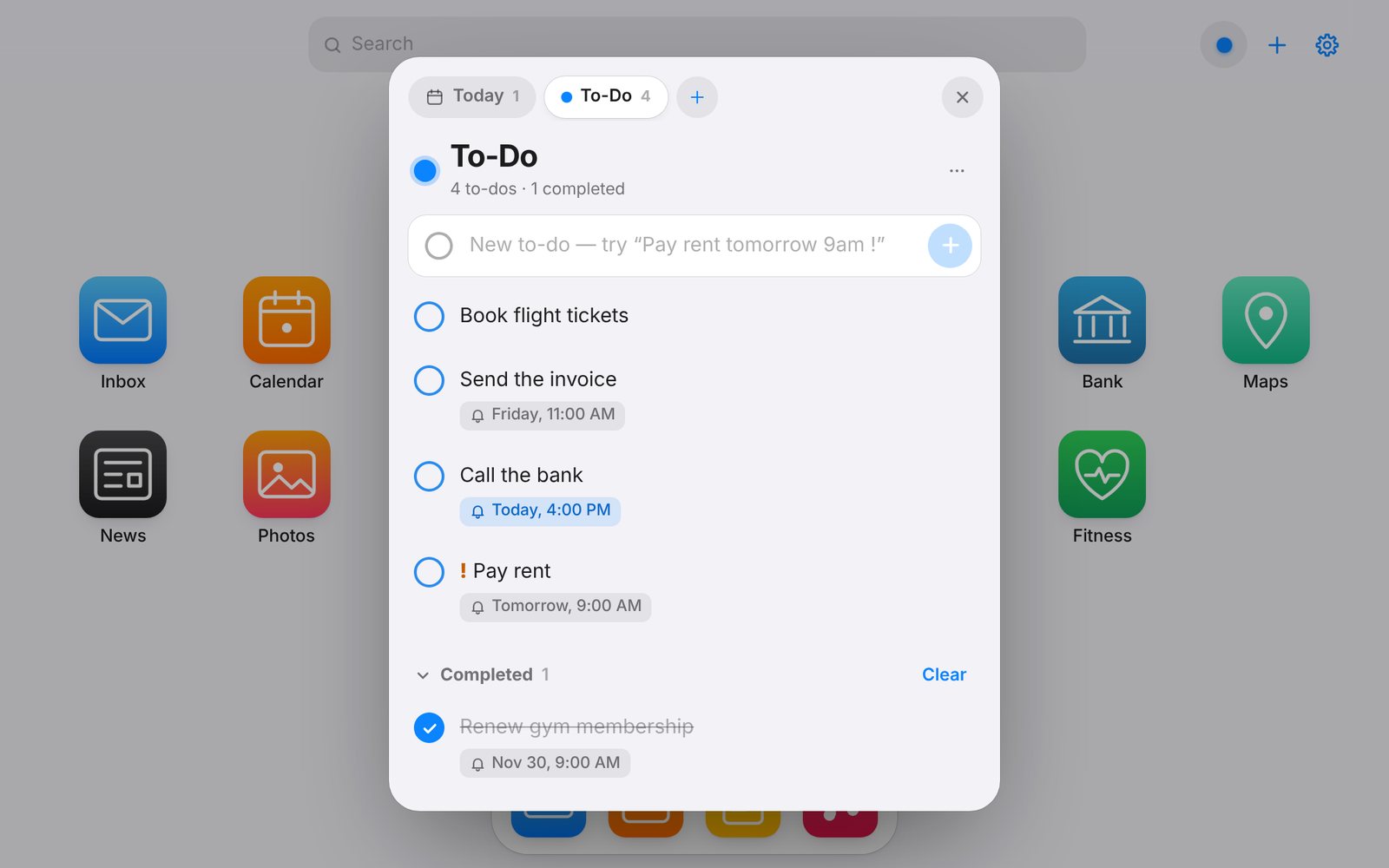
Write it the way you say it.
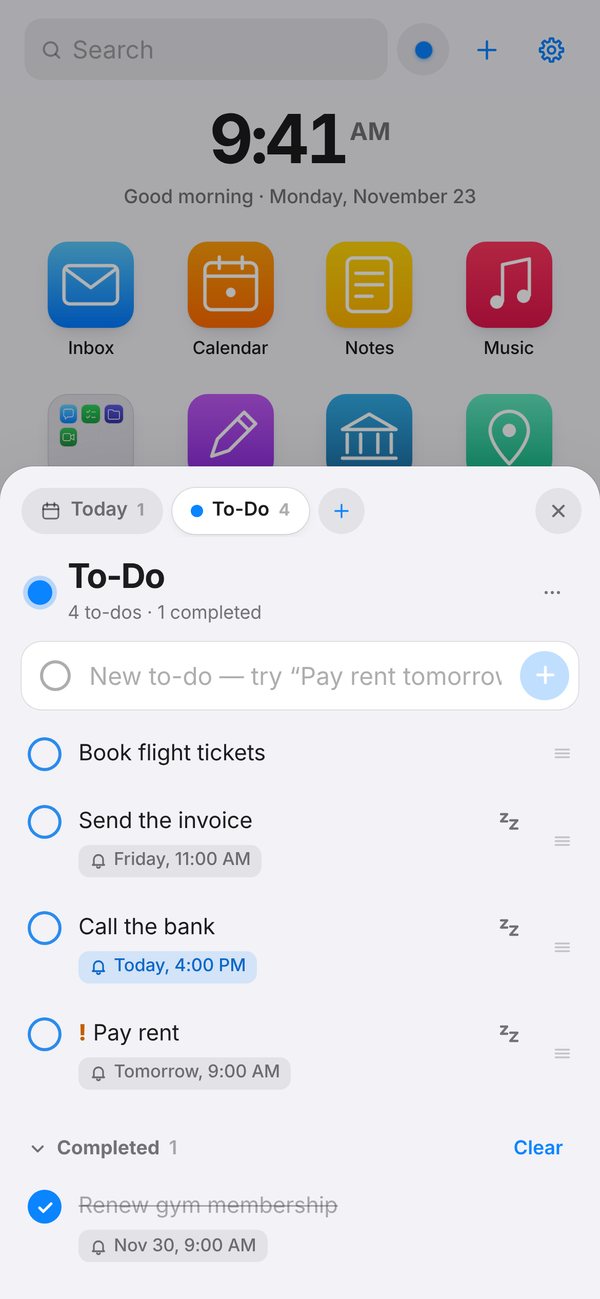
“Pay rent tomorrow 9am !” becomes a to-do with a reminder and a priority. Lists show up as coloured dots on your home screen.
- Today view for everything that’s due
- Snooze and Done right from the notification
- Reminders even when the browser is closed, with the extension and the apps
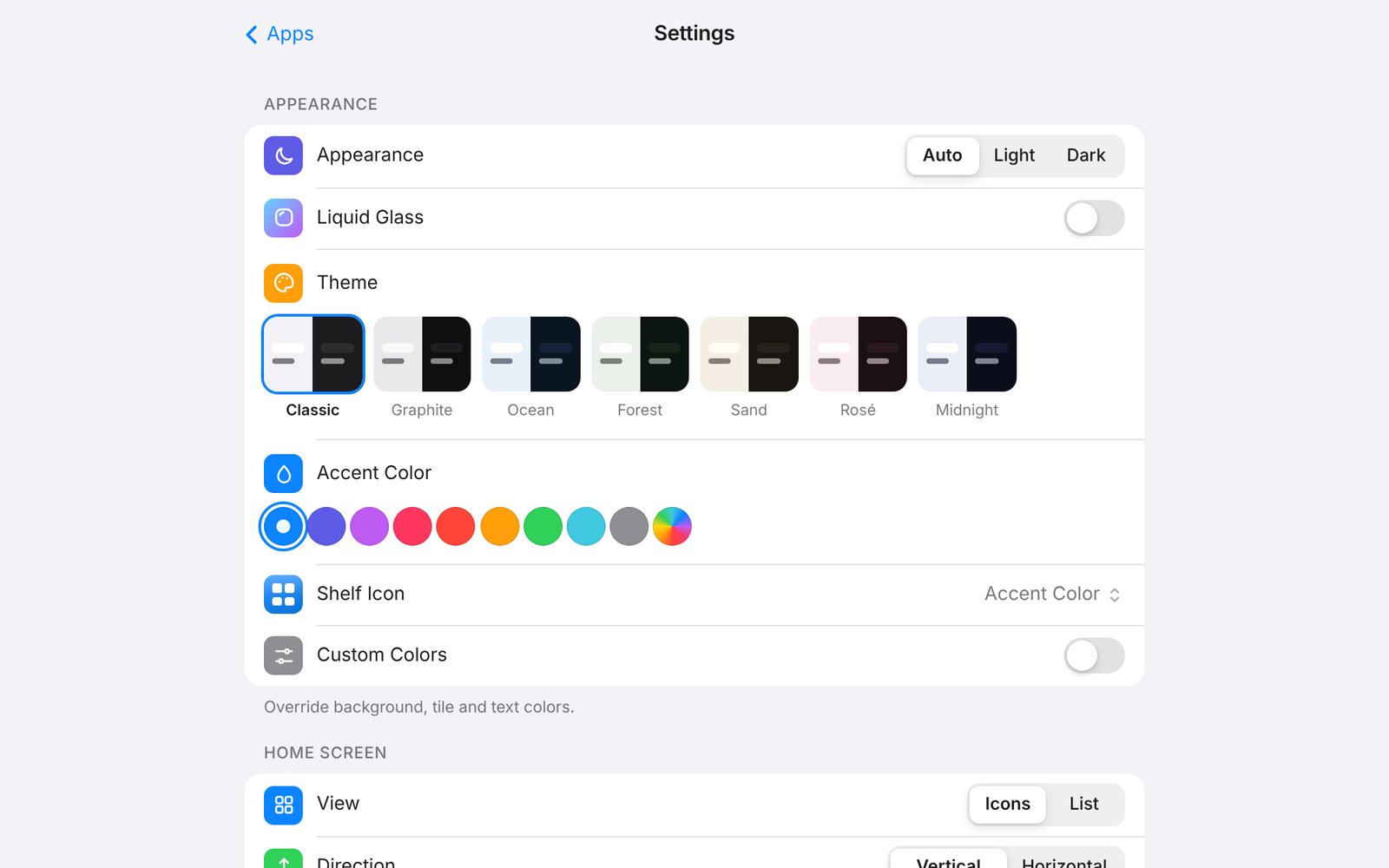
Light, dark or Liquid Glass.
Pick a theme, an accent colour, a wallpaper or your own photo. Change icon size and shape, and how many apps fit in a row.
- Seven themes plus custom colours
- Follows your device’s light or dark setting
- Every look works on phone, tablet and desktop
Simple on the surface, deep when you want.
Clear switches for everything — backups, restore, sync between your computers, keyboard shortcuts and the welcome tour.
- Export a backup and import it anywhere
- Restore any of your last ten versions
- Sync across computers through your browser account (extension)
Shelf Shelf in every new tab.
Shelf Shelf for your browser
Free · Works in Chrome, Edge, Brave, Vivaldi, Opera and Arc
- Your Shelf in every new tabOr keep your browser’s new tab and open Shelf from the toolbar.
- Add the page you’re onOne click in the toolbar, or right-click → Add Page to Shelf.
- Reminders, even when it’s closedYour to-dos ring on time with Snooze and Done.
- Sync across your computersThrough your own browser account — Shelf Shelf never sees it.
Get Shelf Shelf on every device.
Questions, answered.
Is Shelf Shelf free?
Yes. Everything you see on this page is free, with no ads and no account. If an optional Pro plan is ever offered, the core features stay free forever.
Extension, app or website — which should I use?
On a computer, the extension is the best fit: Shelf in every new tab, add the page you’re on, and reminders even when the browser is closed. The desktop app gives Shelf its own window and opens your sites in your default browser. On a phone, use the Android app or add the web app to your home screen.
Which browsers does the extension work in?
It’s on the Chrome Web Store, so it works in Chrome, Edge, Brave, Vivaldi, Opera and Arc. Firefox and Safari versions are on the way — the menu next to the Add button shows each store as it goes live.
Where are my apps and to-dos stored?
On your own device. The extension can also keep a copy in your browser account (Chrome Sync and similar) if you turn on Sync. Nothing is ever sent to us. Read the privacy policy.
Can I move my Shelf between the extension, the apps and the website?
Yes. In Settings choose Export Backup, then Import Backup on the other device. The same file works everywhere.
Windows or macOS says the app is from an unknown developer. Is it safe?
Yes — that message appears for new apps without a paid signing certificate. On Windows choose More info → Run anyway; on macOS open System Settings → Privacy & Security and click Open Anyway. You only do this once.
Why is there no App Store download for iPhone?
Apple only allows App Store installs. On iPhone and iPad, open Shelf Shelf in Safari and choose Share → Add to Home Screen — it opens full-screen and works offline.
I need help or found a bug.
Visit Help & Support or email h24creationz@gmail.com. We reply within two working days.
Give your favourite sites a home.
Free, private and ready on every device.